1
out of
1
found this helpful.
Forms can be used to create a math quiz using intelligent suggestions and the math keyboard
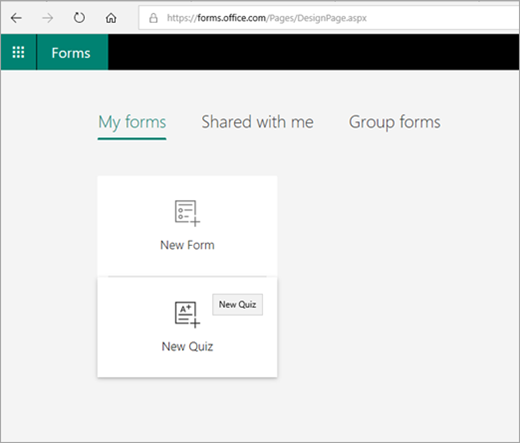
1.Navigate to forms using https://forms.microsoft.com or going through your 365 account. Then select New quiz
 听
听
2. Select Untitled quiz to enter a title and description, then select Add question.
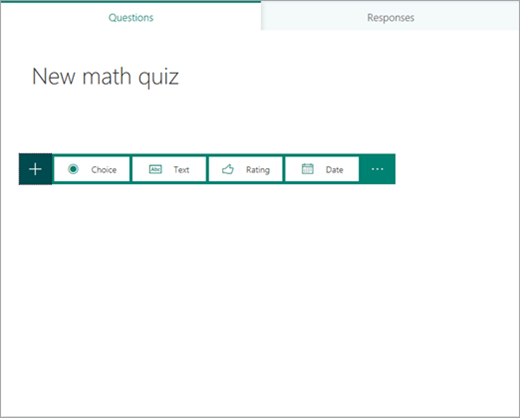
3. Choose your question type - the following images use Choice听
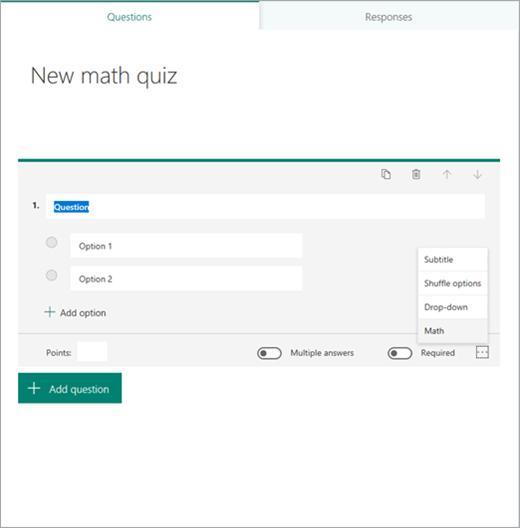
4. Select the ellipsis听(鈥�)听to the lower right of the question, and then select听Math.
5. Enter the question and then the equation.听
听 听 听 听Note: The equation will display a calculator听
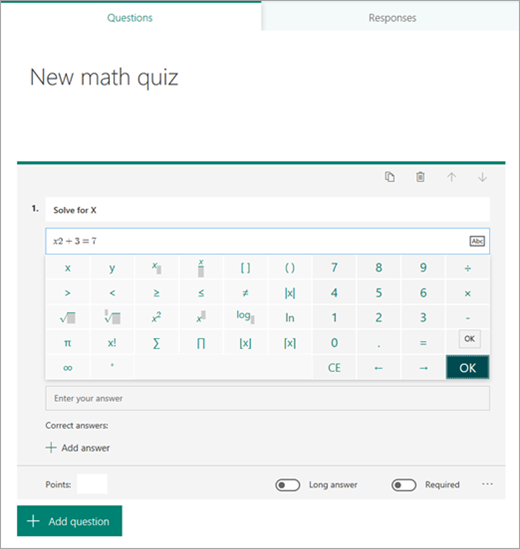
6. Enter the desired answer selections and then continue with the additional questions听
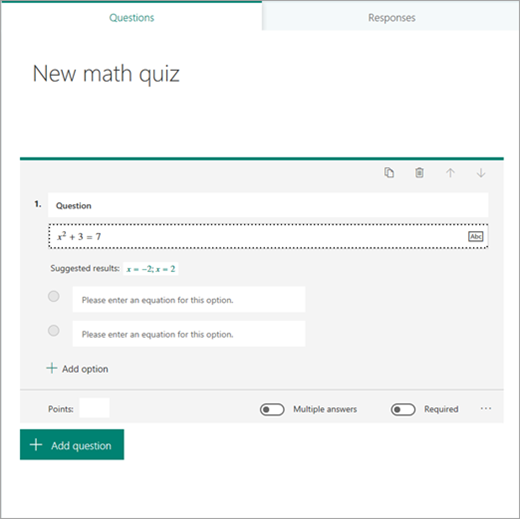
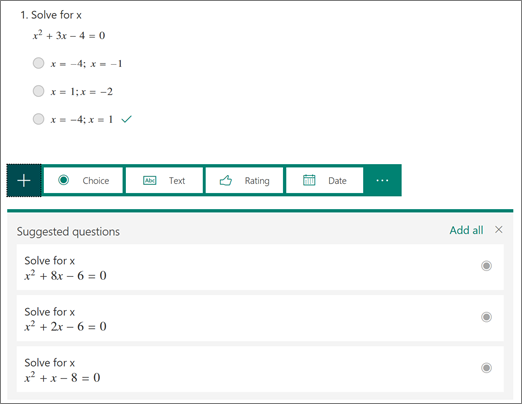
听 听a.听When you enter the equation you want, Forms will provide you with both correct and incorrect answer options to choose from. Just select the options you want or select听Add all.
听 听 听 听听
7.听After you finish a question, Forms can provide you with similar equations to choose from for following questions. Select the suggested questions or select听Add all.